
Give the crew three shots to bring back
| When | Photo | Why it's worth taking |
|---|---|---|
| Before | Wide view that shows the patio, slope or pooling water. | Gives the next buyer a point of comparison. |
| During | Detail that explains how the crew handled drainage or access. | Shows work that disappears once the patio is finished. |
| After | The first angle with the job complete. | Shows the change without asking the buyer to guess. |
Choose one person to collect the pictures. Save the service, town, job detail and photo permission when the job's fresh. Skip addresses, faces, license plates and other identifying details the owner hasn't agreed to share. With sharper phone shots and a steady angle, you'll often have what you need without scheduling a photographer.
Crew photo checklist
Job: [service and town]
First photo spot: [where you stood]
During photo: [the job detail the finished view hides]
After photo: [same angle]
What changed: [one or two plain sentences]
Permission: [who approved and allowed uses]
The original illustration below answers a question the estimator hears a lot: where does the water by the step go? Show the low spot first, the drain before you cover it, and the same wide view after the repair. Use the actual job detail when you write your caption.
- Before
Wide shot. Show the low spot holding water below the step.
- During
Detail shot. Show the drain and where it leads before it is covered.
- After
Repeat the wide shot. Keep the step in frame and show the finished grade.
The same back step anchors all three views.
Downloads
See how a patio portfolio introduces its photos
Parker Scapes' Columbus patio portfolio tells readers what the photos will show before they get to the gallery. The description also names work a finished patio photo can't show, such as grading and drainage. Try one sentence like that above your own photo set so a buyer knows what to look for in the middle shot.
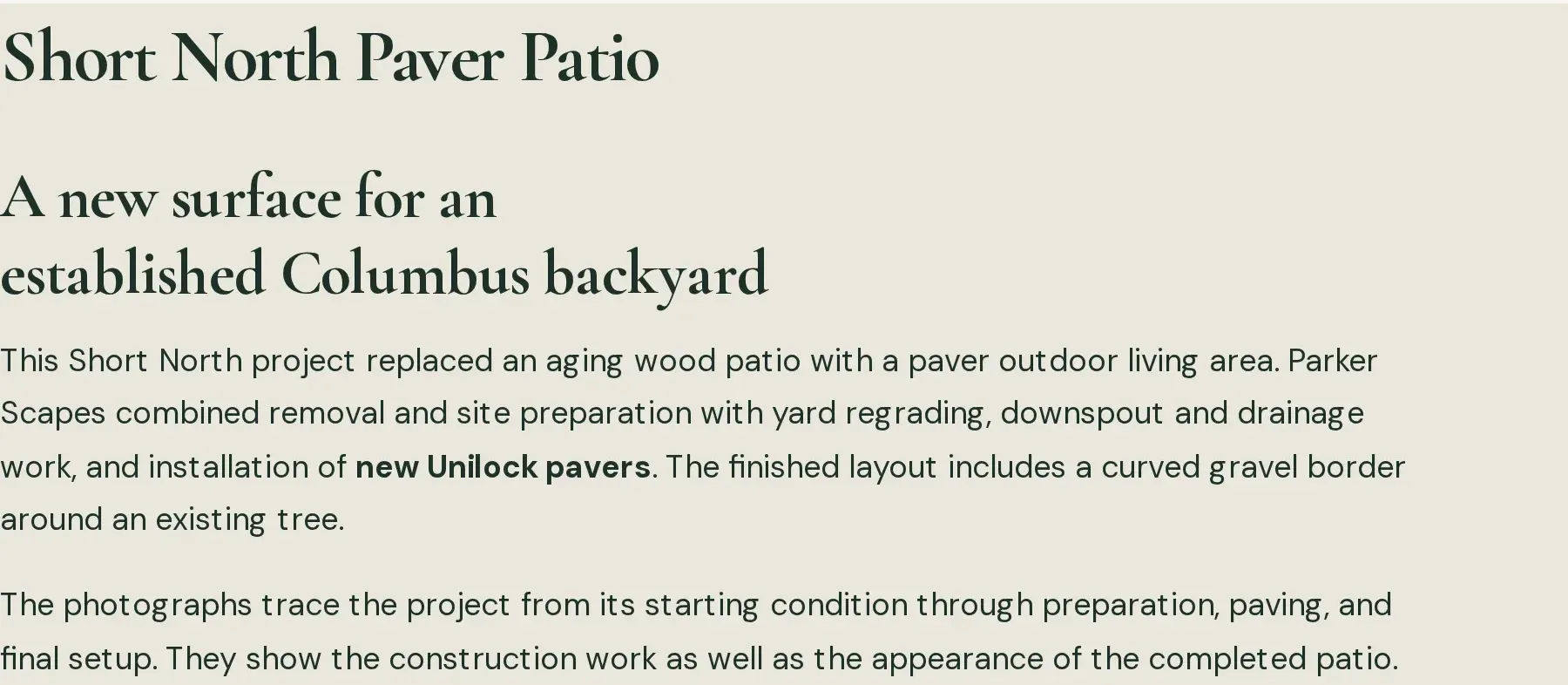
Screenshot from Parker Scapes' Short North patio project. The original gallery has the photos of the old wood patio, the aggregate base and the finished paving.
Put the photo where it can answer something
Start with the service page and the estimator's reply. A person asking about pooling water wants to see what made a difference on a job like theirs. A profile photo can give a local searcher a quick sense of the work. A social or portfolio post can reach people still planning. Keep the caption shorter wherever the photo does most of the explaining.
| Place | First test | When to do it again |
|---|---|---|
| Service page | Put a matching photo set next to the estimate button. | The office can send it to a buyer and it answers a question they keep hearing. |
| Estimate follow-up | Share photos from a similar job that answer a question the buyer raised. | Prospects refer to it when they ask about scope or timing. |
| Google profile | Add current project proof where it's relevant. | It helps a local searcher recognize the work you do. |
| Social or Houzz | Use one caption and a link the office can track. | The office sees useful replies or people mentioning a related job. |
An example caption can be simple. “This [town] patio needed a way for water to get past the steps. The middle photo shows the work before the pavers went in.” Use the real job details and what you can see in the photo. Keep the alt text factual and concise.
For a drainage job, the crew can give the estimator a wide before view of water's low point, a close during view of where the drain runs below the step, and an after view from the first spot. Caption what changed with the approved town and site detail. When a new caller asks about water by a step, send that exact example. If a channel produces no useful questions or buyer mentions after a fair trial, use the photos somewhere closer to the estimate.
Build a photo set around a question from an estimate
Say the homeowner wants to know how you'll get materials into a backyard when there's a narrow gate. Give the crew a different middle shot than you'd use for a drainage question. Get a wide view that shows the gate and where the crew will work, a close view that shows how equipment or materials are getting through, then a finished view along the access path. Write what actually happened that day while the crew remembers it. Leave out the address and any personal details you don't have permission to share.
| What the next buyer asks | What to show the estimator |
|---|---|
| Will water run toward the steps? | Keep the same step in the wide views. Use the middle shot to show the drain or grading work before it disappears. |
| Will we lose the path to the back door? | Show how the crew kept the path open during work if you've got that shot. If it had to close, give the next homeowner the proposed access plan and closure window. Use the after shot to show the restored path. |
| Why is one estimate more involved than another? | Show the hidden work relevant to the quote, such as removing old material or preparing the base. Say what this project needed. |
Pick the set that answers the question you heard and that you're allowed to send with the estimate. Add one sentence about the job. If the office keeps hearing the same question, use a version approved for public posting on the related service page.
See whether the photos helped
Ask what the person saw before they called, and record it in the estimate notes. A link click and a booked visit tell you different things. If someone cites a photo in conversation, keep that as a clue about what helped. Repeat a photo set when it answers a frequent question and gives the next customer a clear step.
Use the website examples for where to put the photo on a phone page. For a bigger backyard project, the design-build sales guide shows when to bring those photos into the first conversation. If you want to try a paid before-and-after ad, use the Facebook Ads guide.
Illustrative estimate-log entry.
| Original source | Photo used to help | What happened | Review |
|---|---|---|---|
| Neighbor referral, Cary drainage request | Estimator sent the three-photo set about water by a step. | Homeowner confirmed a similar low spot and took a site visit. Quote still open. | Check on April 17 whether they want to proceed. |
Record the referral as the source even if the photo helped book the visit.
FAQ
What should I photograph first?
Start with a wide before view you can reproduce after the work. Take the middle detail before the crew covers it.
Do I need professional photos?
Start with clear phone photos, steady framing and a caption about the job. Hire for photos when a project warrants the additional time and cost.
Should I publish the same set everywhere?
Start with the place it answers a buyer's question. Try another outlet when you can tell why it belongs there.
What can I show if the homeowner won't let me publish their yard?
Use another project you've got permission to share, or shoot your own material sample or mock-up and call it what it is. If the buyer asks about a narrow gate, you can still explain the access check and show an approved job where that mattered. Keep private job photos in your job records under the terms you've agreed to with that homeowner.
Next step
Our team can help turn approved job photos into examples on your website. Give homeowners a way to ask about a similar job and your office a way to book the right work. 9xLocal packages start from $297/month. See what our landscaping website design services cover. See if we're a fit.