
Your website should help a buyer answer three questions quickly: do you do this work, have you handled a project like ours, and who should we speak to? I'd build around those questions before choosing the animation on the homepage. A commercial contractor needs a clear company presentation and a portfolio that explains its role.
The wider construction marketing service can connect the site with search, ads and follow-up. The website is where a buyer checks the story those channels tell.
What your first version needs
Start with a focused site a buyer can use. For a design-build firm, I'd lead with the sectors and services you want more of, backed by a small set of relevant projects. Give the visitor a clear next step before expanding the archive.
| Page or feature | What it needs to explain |
|---|---|
| Homepage | Your company role, main work, service area and a way into the evidence. |
| Services | The work your team performs, including delivery services where you provide them. |
| Priority sectors | The building types and buyer needs you understand. |
| Project pages | Your role, scope, location, credited partners and approved photos. |
| Company and team | Who the buyer will be dealing with and how to reach the business. |
| Contact paths | Project discussions, trade partners and careers separated clearly. |
That's a planning list, rather than a fixed page count in every package. The quote should name your first scope. An industrial contractor with a few clear services needs a different build from a national GC moving a large project archive.
I'd also test the phone view early. A developer may open a project link between meetings. The service name, your role and the contact button should survive the smaller screen without making the visitor pinch or hunt.
3 contractor websites worth studying
These examples show different jobs a construction website can do well. Borrow the pattern, then use your own projects and company facts. You don't need their budget to copy the structure. A smaller firm can start with one page per sector, one per strong project and a clear contact for each type of visitor.
Swinerton: a location page with people behind it
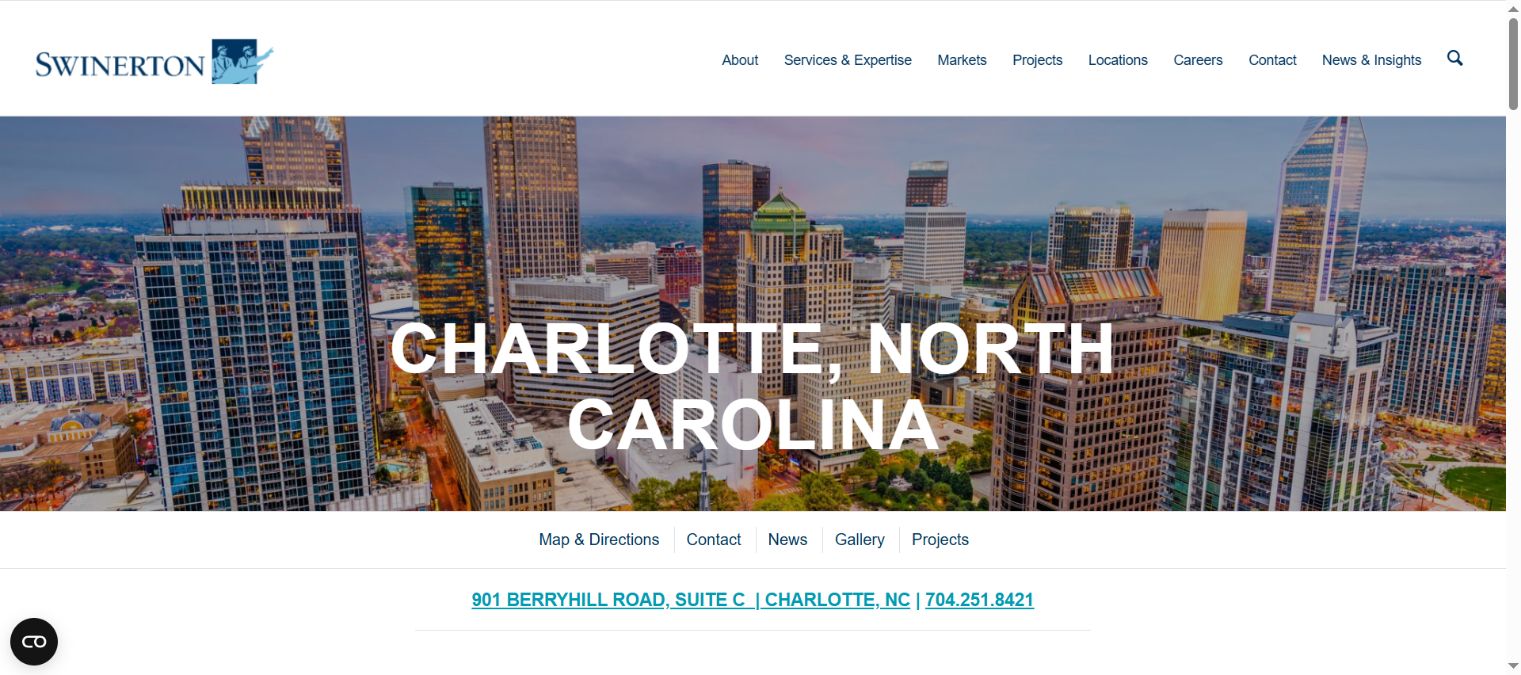
Swinerton gives Charlotte a distinct page with regional contacts, including business development and other company roles.
- What's good: the location has people behind it, rather than just a town name in a heading.
- What to copy: connect a real office or region with the team that serves it.
- What I'd change for your site: make the first project inquiry action prominent beside the location details.
Mortenson: let buyers investigate the work
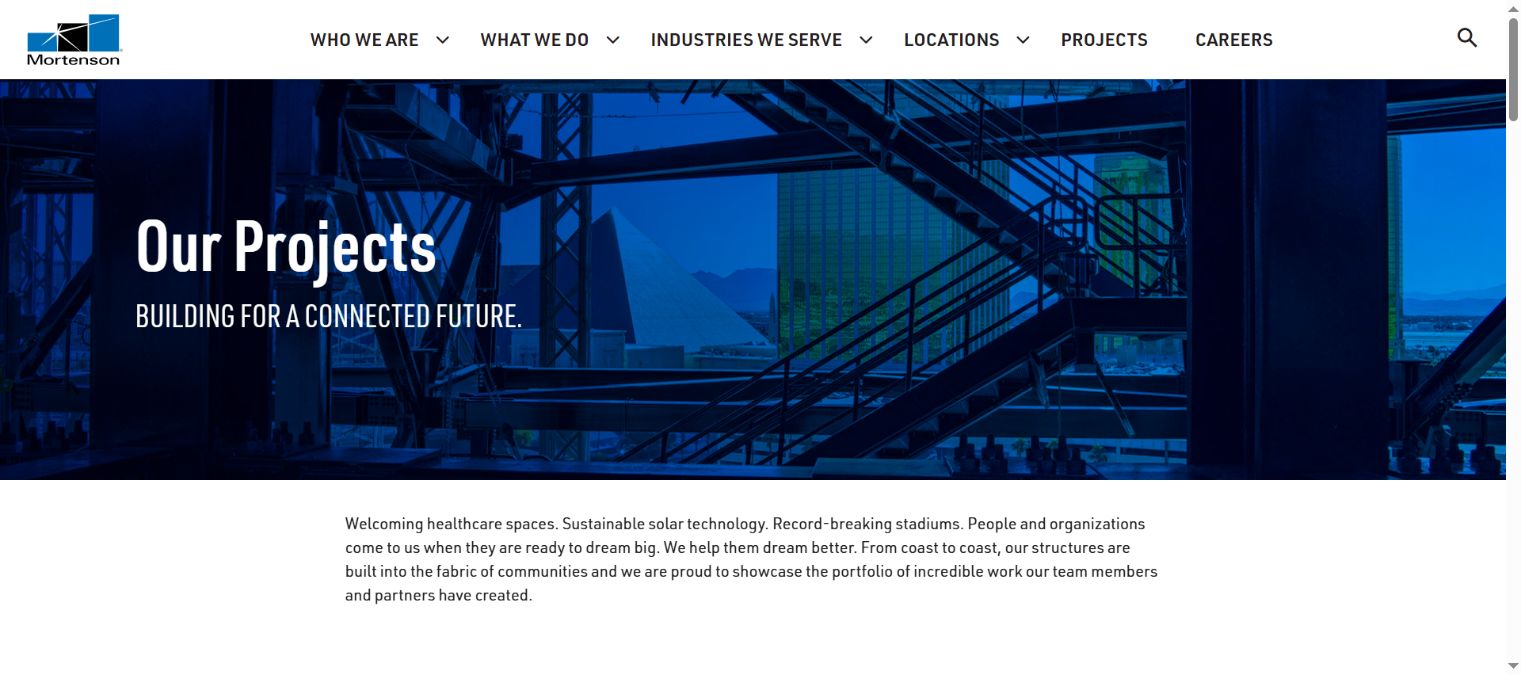
Mortenson gives projects their own place in the company site. A buyer can move from the company story into the work.
- What's good: project evidence is a main destination, rather than a few decorative homepage pictures.
- What to copy: give relevant work a clear path from the navigation.
- What I'd change for a smaller portfolio: lead with the projects closest to the buyer's sector, instead of making them inspect everything.
Walsh: keep different audiences recognizable
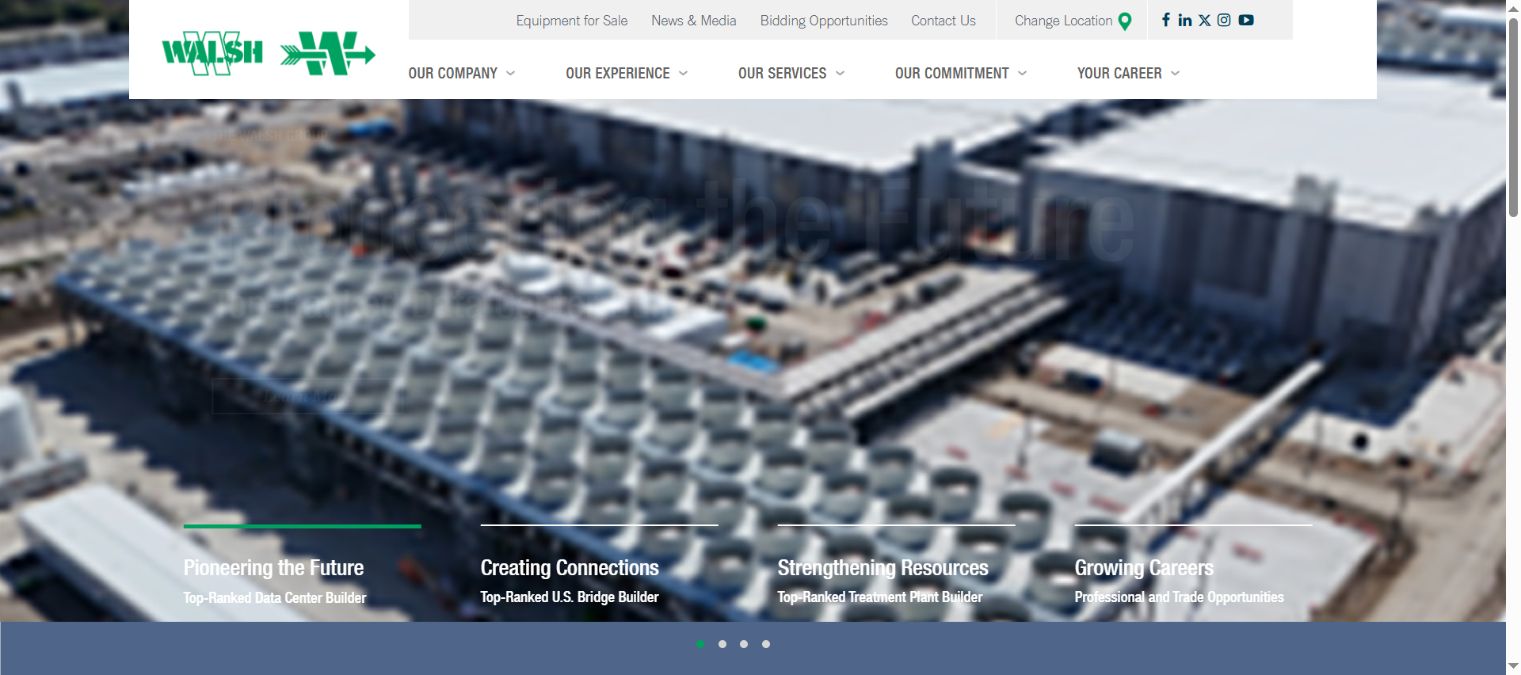
Walsh separates company experience, services and careers in its navigation, with a distinct bidding opportunities path.
- What's good: a job applicant and a project buyer have different places to go.
- What to copy: name the visitor's task plainly in the menu.
- What I'd change for your business: use the audience labels your visitors recognize, then keep the project contact one clear step away.
You can make these buyer tasks clear with a smaller company and a smaller portfolio. Start with the work that best explains the services you want to sell.
What a construction website costs
Clutch gives a broad web design range of $2,000 to $100,000 and says most projects reviewed on its platform cost under $10,000. That covers many types of business and build, so use the range to frame the scope discussion.
9xLocal packages start from $297/month, with the website included and no build fee. The starting offer and a custom enterprise rebuild are different scopes. If you need complex migrations, private document access or a procurement portal, have that priced and scheduled separately.
Compare the full period you'll use the site. Example: a $12,000 build plus $180 a month in upkeep costs $16,320 over 24 months. An assumed alternative quote of $650 a month costs $15,600 over the same period. The inputs below are sample quotes, not 9xLocal tiers.
Then compare what those quotes cover: content gathering, project entry, hosting, updates and file handover. A lower build fee can leave more work with your staff. A monthly service needs a clear list of ongoing tasks. You'll make a better choice when both offers describe the same company needs.
What can go live in 3 working days?
The first website version you choose is usually live within 3 working days after access and basic details. I'd use that first version to get the core buyer journey working, with the company information and project material ready to go.
Bring the logo files, company details, service area, priority services and approved project photos. Name the person who can check project roles and the person receiving inquiries. If the team is still gathering the material, that becomes the next job rather than an invisible assumption in the launch date.
A first version can establish the presentation and the next contact. A large project archive, custom integrations and a complex migration take more planning. Decide what the first version must do, then put the wider work on a clear schedule.
Why construction companies pick 9xLocal
You can get the website and ongoing marketing work you choose under one service, without a separate setup or build fee. Packages run month to month with a 30-day money-back guarantee.
Everything we build is yours, including file handover. Your company owns the domain, accounts, content and photos. That's a practical advantage when responsibility moves from one employee to another or you bring website work inside later.
The site can also work with the AI assistant, which can book a conversation in the calendar or send inquiry details to the office. Your team decides project fit and handles bids and proposals. 9xLocal markets the company and supports the first contact.
Turn site photos into project pages
Ask the PM for a short job note, not a marketing article. What was the work? What did your company do? What problem did the team have to solve? Which photo shows it clearly?
Your team can share photos through the app. A strategist reviews that material for website updates. Add the project location, company role and the details that make the job relevant to the next buyer.
For example, a cold-storage addition page might explain the work beside an operating facility, your construction scope and the staging decision. A finish photo helps show the outcome. A process photo can explain the work behind it.
Publish only material you're allowed to share, keep confidential project details out and credit the other firms' roles accurately. One clear check before publishing is easier than repairing an overclaim later.
Send owners, trades and applicants to different people
Give each visitor a clear next action. Owners and developers need a project conversation. Trade partners may need registration or prequalification instructions. Applicants need careers. Sending all three to one vague form creates sorting work for the office.
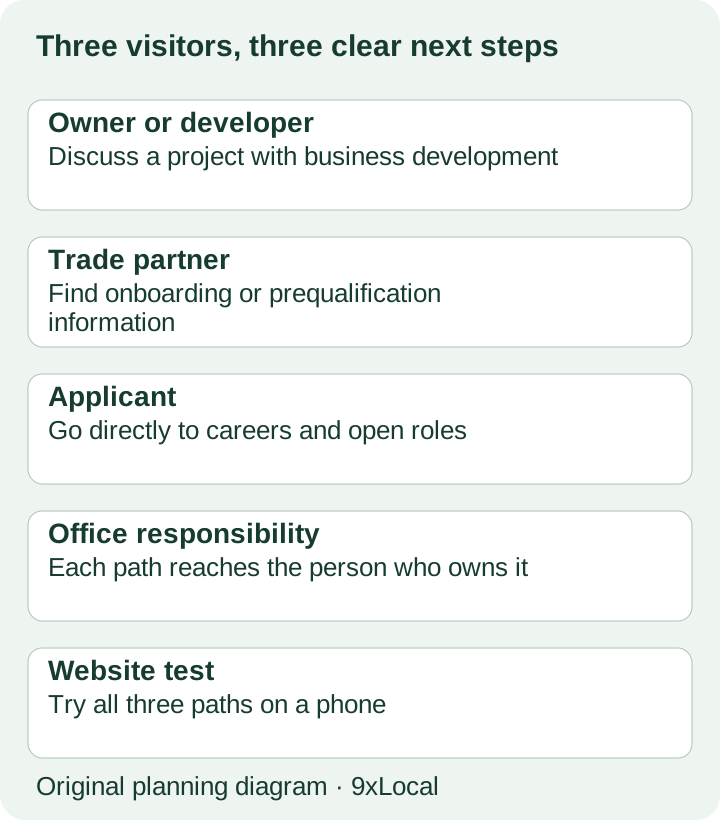
For a project inquiry, ask for the organization, project type, location and next milestone. Let the buyer attach or offer a short outline if that's part of the chosen form. Keep detailed estimating information for the person who will discuss it.
Test where the inquiry arrives. Can the right employee understand what the visitor asked? Does the reply tell the buyer what happens next? The test is whether the buyer can finish the task and reach the right person. For help bringing in and answering more inquiries, compare our construction lead generation services.
6 questions for a website agency
| Question | How 9xLocal answers |
|---|---|
| What's the starting price? | Packages from $297/month, with no setup or build fee. |
| What goes in the first version? | The pages and work you choose in the scope, using the company material you supply. |
| Who owns the site and files? | You do. File handover is included. |
| How do project updates work? | Your team shares photos through the app for strategist-reviewed website updates. |
| Can inquiries be answered? | The AI assistant can book in the calendar or send the details to the office. |
| How does the service continue? | Month to month, with a 30-day money-back guarantee. Ongoing tasks follow the scope you choose. |
I'd also ask a prospective provider to show how they'd present one of your projects. If the discussion stays on colors and effects, bring it back to the buyer: what will they learn, and what can they do next?
Questions owners and developers ask AI assistants
| Buyer question | Example search | Website answer to make clear |
|---|---|---|
| Does this GC work on distribution buildings? | distribution facility construction company | Sector page and related project evidence. |
| Who handled construction on that project? | building name general contractor | The precise role and project team. |
| Can we discuss preconstruction? | contractor preconstruction services contact | Services and a clear first conversation. |
| Is there a team near our site? | construction company regional office | Real office information and service coverage. |
| Where should we send a project outline? | commercial contractor project inquiry | A working buyer contact path. |
Make the answers readable on the page. A portfolio that hides the role inside an image or PDF makes the task harder for people as well as search tools.
Keep control of the site
Keep company access to the domain, hosting and important accounts. Name the person who maintains that access when staff change. You should be able to find the files, understand what was built and arrange future work without reconstructing the company website from screenshots.
For ongoing updates, choose a process your PMs and BD lead can keep. A short review of new projects and changed services is easier to sustain than leaving the whole site untouched until the next rebuild.
Prefer to write your own brief?
Use the construction website examples guide to turn visual ideas into buyer tasks. If people struggle to find the current site, compare our construction SEO service before deciding that a full rebuild is the first purchase.
Frequently asked questions
Can we keep our current domain?
Yes. Your domain remains yours. Share the current setup so the first scope can account for the site and access you have.
Will you write our project information?
Website work can use the material your company supplies. Your team needs to provide accurate scope and role details; we can help present them within the chosen work.
Do we need a huge portfolio at launch?
No. Start with the projects that best support the buyer journey. Build the wider archive when the material and scope are ready.
Is a supplier portal included?
Treat a custom portal as separate scope. A clear link to an existing company system may be all the public site needs.
Start with one buyer journey
Pick the owner or developer you want the site to help. Bring one relevant project and show where the current website makes them work too hard. See the 9xLocal service to discuss a first version and the ongoing work that fits your company.
Sources
- Clutch, Web Design Pricing Guide. Verified 31 October 2026.